How to prepare audio for more accurate transcription
Small recording habits that make AI transcripts cleaner, especially for interviews, classes, calls, and noisy rooms.
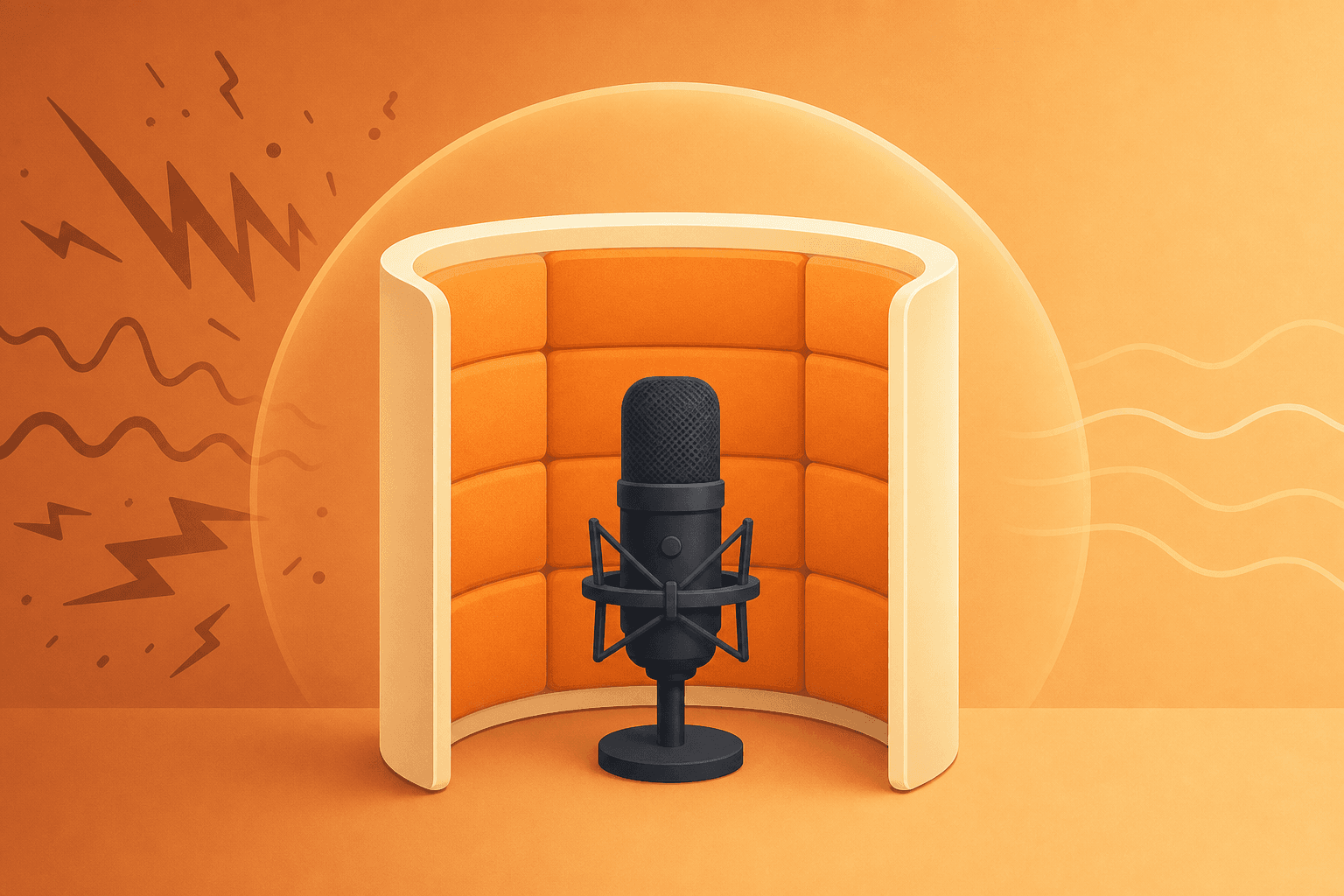
Accuracy starts before upload
Transcription quality depends on the source recording. You do not need a studio, but you do need enough signal for the model to separate voices from noise.
The biggest improvements usually come from boring habits: move the microphone closer, reduce background sound, and avoid having people speak over each other when possible.
Capture clean signal
If the recording is important, spend thirty seconds checking the setup. Put the device near the main speakers, turn off loud fans, close the window, and ask remote guests to use headphones.
For phone recordings and meeting platforms, choose the highest quality export available. Compressed files can still work, but avoid re-recording audio through speakers when you can export the original.
- Keep the microphone within a few feet of the speaker.
- Record a quick test clip before long sessions.
- Ask people to pause before answering when the room is busy.
- Export the original file instead of screen recording playback.
Add context after transcription
Even with clean audio, transcripts benefit from human context. Add names, clarify acronyms, and correct words that are specific to your company or topic.
That light pass often turns a good transcript into something your team can trust and reuse.
Ready to make your next transcript easier to review?
Upload audio or video to MegaScribe, clean up the transcript, and turn the important moments into summaries your team can use.
Start transcribing